SSH on
both screens
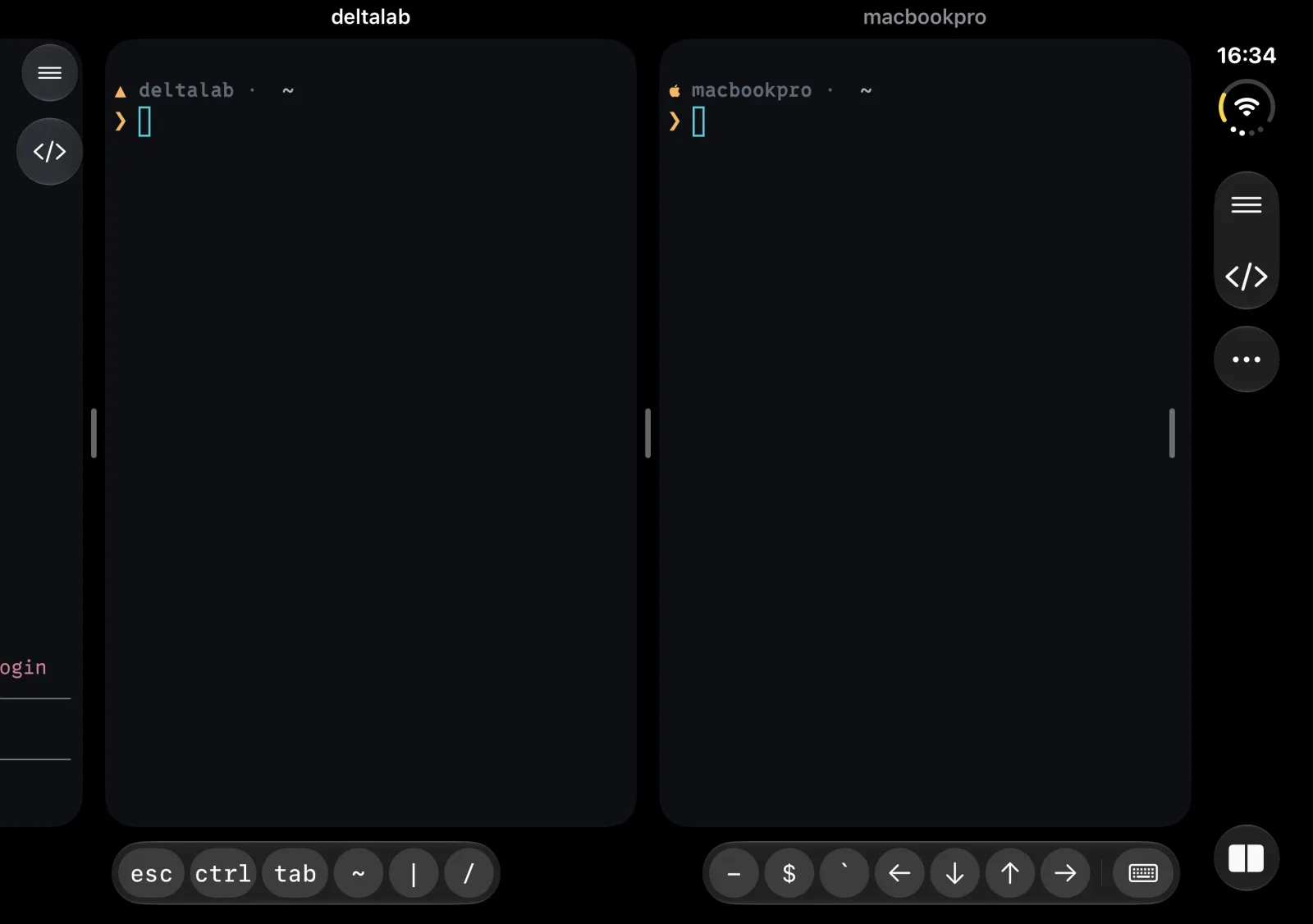
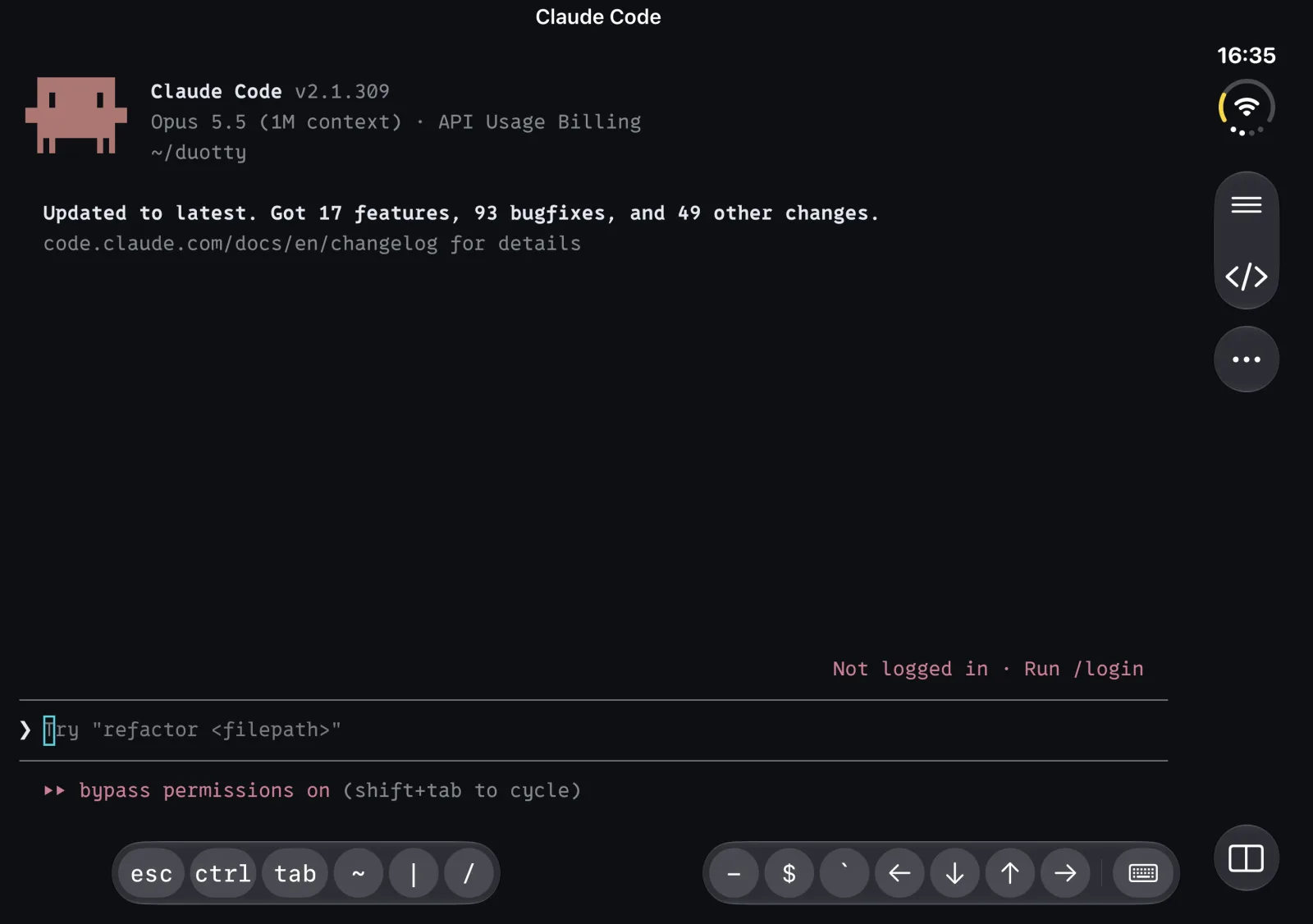
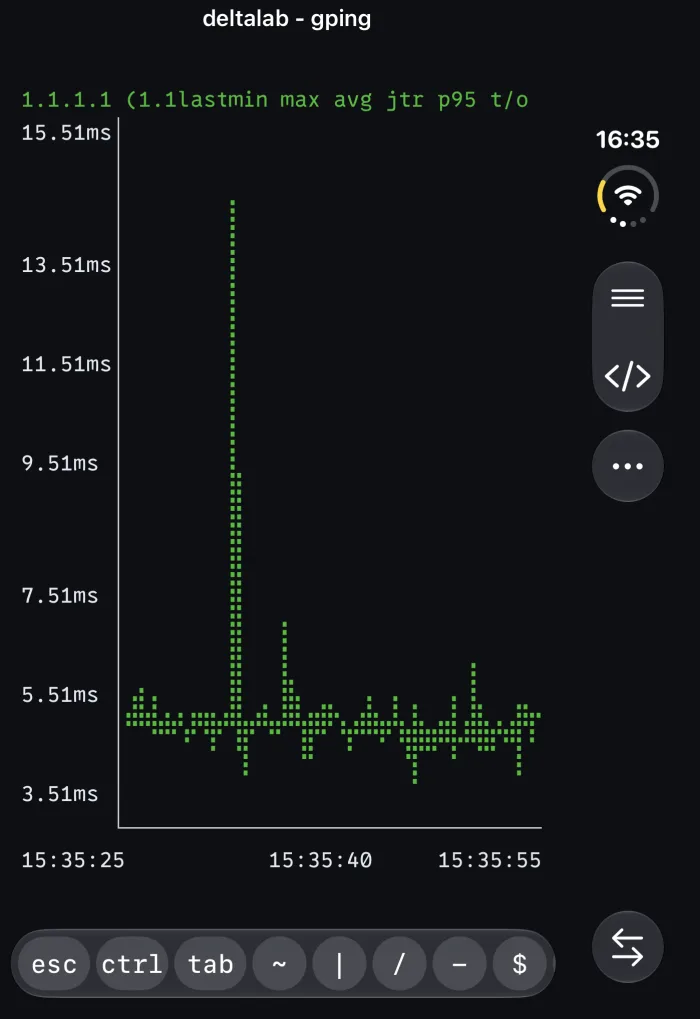
duotty is an SSH terminal for iPhone Duo. Run two sessions side by side on the inner display, or one on the outer display. It also runs on iPhone and iPad.
Screenshots
Features
Made for two displays.
01
Side by side
Two sessions share the inner display. Swipe the carousel to bring in another one. Let a session span both columns when it needs the room.
02
Outer display
Folded shut, the outer display runs one full terminal. Swipe to switch sessions.
03
Laptop posture
Fold it halfway and stand it up. The terminal moves to the top half and the keyboard sits below.
04
Key bar
Esc, ctrl, tab, arrows and symbols, in the order you set. The bar splits along with the split keyboard.
05
Keys and passwords
Sign in with a password or an SSH key. Ed25519 and RSA keys work, with or without a passphrase. Keys are stored in the iOS Keychain.
06
Host keys
duotty saves each server’s host key on first connect and checks it on every connection after that.
07
Inline images
Kitty graphics and Sixel images draw right in the terminal.
08
Nerd Font
Ships with the 0xProto Nerd Font, so prompts and file icons render as intended.
09
Snippets
Save the commands you type often. Send one with a tap.
10
Reconnect
When iOS drops a connection, the session offers to reconnect right where it is.